How Utility Teams are Standardizing Pipeline Calcs
By Kesley Price
Engineering teams working in utilities face a familiar challenge: keeping calculations compliant, consistent, and collaborative, without wasting hours on spreadsheets.
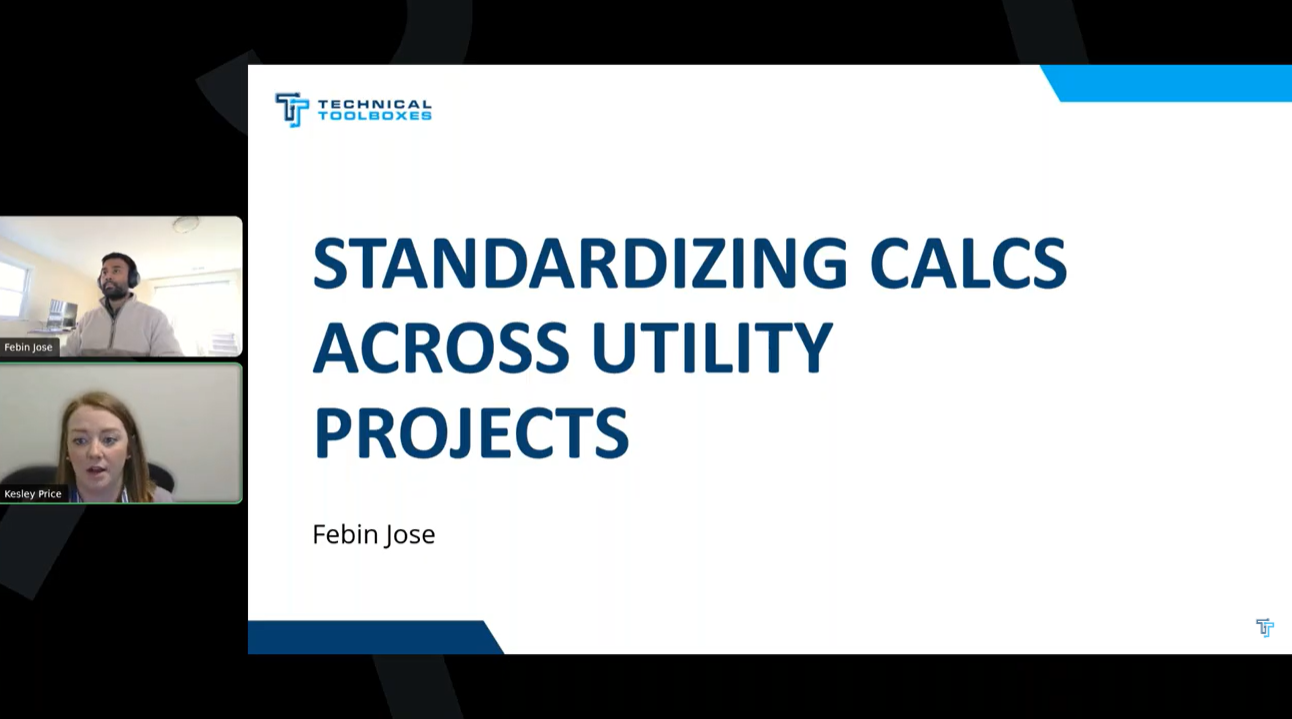
That’s exactly what we covered in our recent webinar with Technical Toolboxes’ Director of Product, Febin Jose. If you missed it, here’s a practical recap on how your team can use PLTB (Pipeline Toolbox) to reduce risk, improve documentation, and centralize workflows, plus a look at what’s next for the product.
Why Utility Companies Are Switching to PLTB
PLTB has been trusted since 1997 and now includes more than 250 standardized pipeline engineering calculations across modules for gas and liquid pipelines. In the webinar, Febin broke it down:
- Design, Construction, Integrity, Operations, and Maintenance workflows, all covered
- Built-in code compliance with PHMSA, CSA, DOT, ASME, API, and more
- Cloud-based, no local installs or IT involvement required
- Automatic updates and version control so your team is always audit-ready
Streamlined Workflows from Login to Report
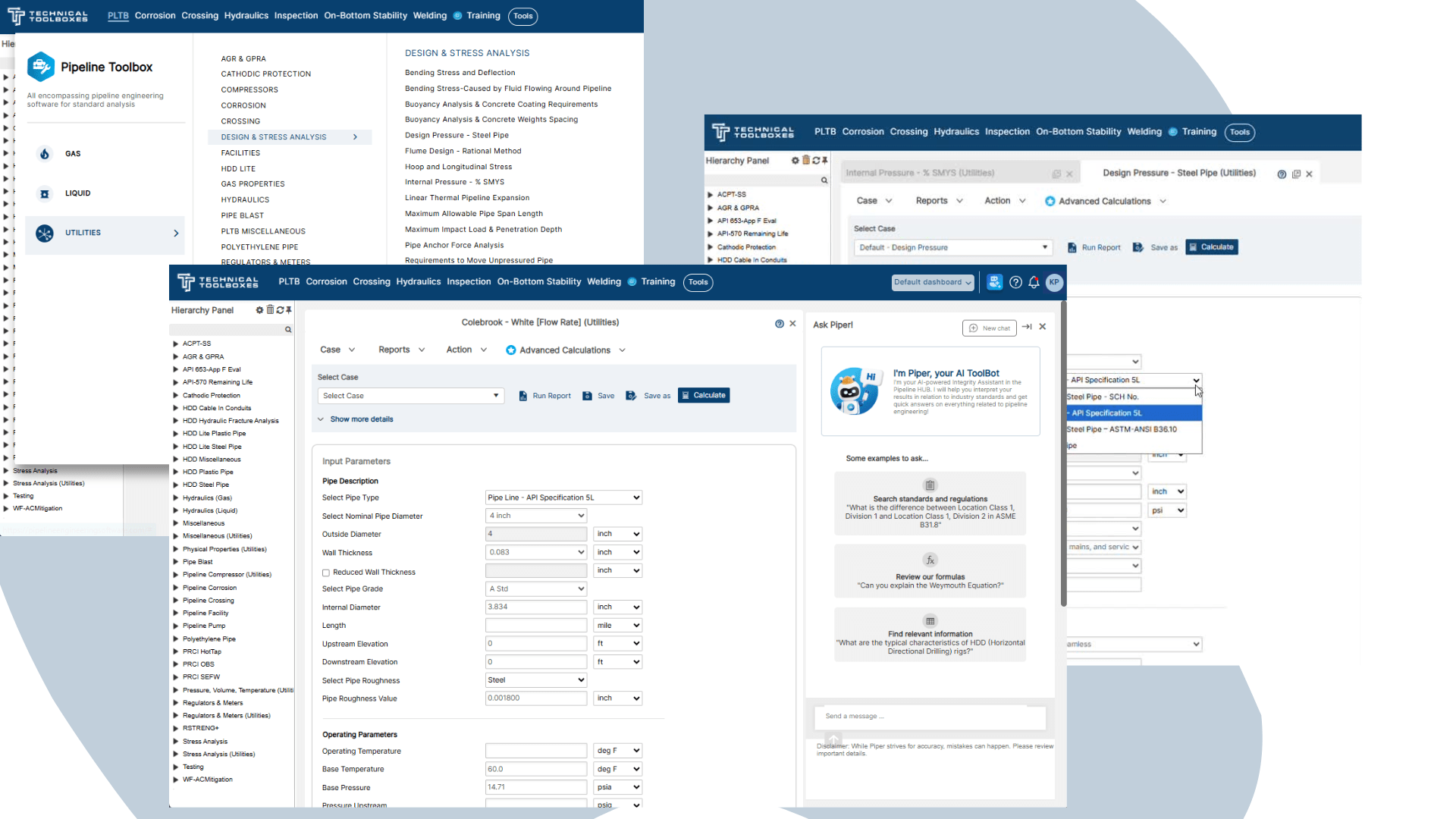
Once you’re in, PLTB runs on the Technical Toolboxes HUB platform. Febin walked attendees through:
- Role-based dashboards that load custom workflows for integrity, construction, or testing
- Canvas-based interface that allows you to work on multiple calculations at once
- Hierarchy panel that keeps your data organized by project or module
He also demonstrated how engineers can generate preformatted Excel or PDF reports, complete with inputs, outputs, and standards references, perfect for inspections, audits, or internal reviews.
Collaboration Built for Engineering Teams
Utility projects involve multiple stakeholders – planners, field teams, and integrity engineers. PLTB is designed to support collaboration across all of them.
Febin showed how users can:
-
-
- Share cases across teams without risking overwrite
-
- Retain authorship while enabling comments or feedback
-
- Create repeatable case templates for similar assets or projects
-
Demo Highlights: Gas Hydraulics & Distribution
For gas distribution teams, Febin spotlighted the Hydraulics module, showing how engineers can use real-world inputs – pipe catalog data, inlet pressure, gravity – to model flow rates and validate line behavior.
He also demonstrated:
-
-
- Molar low and high-pressure calcs
-
- Flow rate validation across elevation and pressure drops
-
- Drop-down units and configurable inputs that match real field specs
-
What’s Coming Next for PLTB?
During the Q&A, Febin gave attendees a glimpse of the product roadmap and advanced calculations built-in:
-
-
- Sensitivity Analysis – Model parameter ranges, view results as heat maps and find optimal conditions for design
-
- Batch Run – Automate multiple scenarios simultaneously across modules like HDD, RSTRENG+, and OBS
-
- AutoCAD Integration – Real-time sync between designs and calculations for crossing and directional drilling
-
Ready to Upgrade from Spreadsheets?
If your team is spending more time formatting spreadsheets than solving problems, it’s time to upgrade.
Schedule a demo and see how PLTB can start saving your team hours, and headaches, from day one.
Watch the full webinar here:

Suggested Post

You Asked for Better Field Data. We Found It. HUVR Acquisition
You Asked for Better Field Data. We Found It. If you haven't heard, HUVR is officially part of [...]

The Network Modeling Tool Gas Engineers Didn’t Know They Needed
The Network Modeling Tool Gas Engineers Didn’t Know They Needed By Kesley Price You’ve outgrown your spreadsheets, now [...]

The Trusted Tool Gas Engineers Didn’t Know They Were Missing
Do You Really Know What’s Flowing Through Your Pipes? The Trusted Tool Gas Engineers [...]